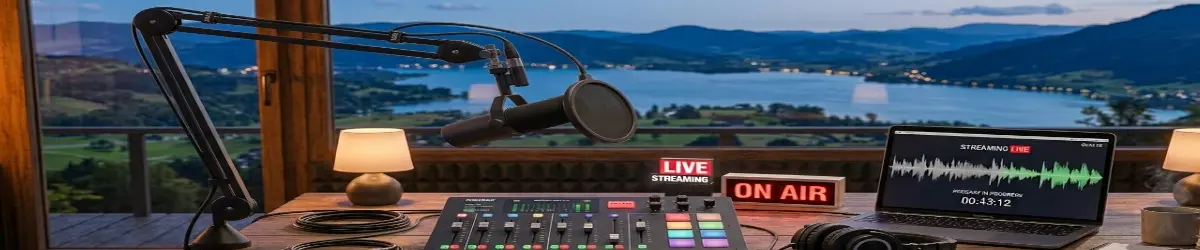
Twitch TV – Live Streaming and Community Broadcasting
2026-06-21
🎮 Twitch TV
Twitch TV is a live streaming platform where creators broadcast content in real time and build communities around shared interests. Originally known for gaming, Twitch has expanded into a wider creative platform covering technology, music, education, art, discussions, and live events.
For creators, Twitch provides a way to connect directly with audiences through interactive broadcasts.
🔑 What Is Twitch TV?
Twitch is a livestreaming platform where viewers can watch creators as events happen.
Content may include:
- Gaming streams
- Creative projects
- Music performances
- Technology discussions
- Coding sessions
- Educational content
- Interviews
- Community events
Unlike traditional recorded video, livestreaming allows immediate interaction between creator and audience.
🔑 Why Live Streaming Matters
Live broadcasting creates a unique connection.
Viewers can:
- Watch events as they happen
- Participate in discussions
- Ask questions
- Share ideas
- Join communities
- Support creators
The conversation becomes part of the content.
🔑 Types of Twitch Broadcasts
🎮 Gaming Broadcasts
Gaming remains one of Twitch’s largest categories.
Creators may share:
- Gameplay sessions
- Tutorials
- Reviews
- Competitive events
- Game discussions
Gaming streams often build strong communities around shared interests.
💻 Technology Streams
Technology creators use Twitch for live demonstrations.
Topics may include:
- Linux setups
- Programming
- Software development
- Hardware projects
- Artificial Intelligence
- Open-source projects
Viewers can learn by watching real-time problem solving.
🎨 Creative Streams
Creative work can be shared live.
Examples include:
- Digital art
- Graphic design
- Animation
- Writing sessions
- Music production
- Video editing
Audiences enjoy seeing the creative process.
🎙️ Talk Shows and Discussions
Twitch can also be used for live conversations.
Examples:
- Interviews
- Community discussions
- News commentary
- Educational talks
- Q&A sessions
The live format encourages participation.
🔑 Twitch and Content Creation
Successful streaming usually combines:
- Good communication
- Consistent schedules
- Community interaction
- Interesting topics
- Quality presentation
A creator does not need expensive equipment to begin.
Many start with:
- A computer
- Microphone
- Webcam
- Streaming software
🔑 Tools for Twitch Broadcasting
Creators commonly use:
- OBS Studio
- Streamlabs
- Microphones
- Webcams
- Screen capture tools
- Video editing software
OBS Studio is one of the most popular tools because it allows complete control over scenes, audio, and video sources.
🔑 Creating a Twitch Stream
A basic workflow:
- Choose a topic.
- Prepare your broadcast layout.
- Configure scenes and audio.
- Test your connection.
- Start streaming.
- Interact with viewers.
- Save highlights for later.
The best streams balance preparation with natural conversation.
🔑 Building a Community
Twitch is more than broadcasting — it is about community.
Creators build communities through:
- Regular streams
- Friendly interaction
- Shared interests
- Viewer participation
- Collaboration
A successful channel becomes a gathering place.
🔑 Twitch and the PlebWare Vision
Within the PlebWare ecosystem, livestream platforms like Twitch represent the interactive side of digital publishing.
They complement:
- Written articles
- Podcasts
- Recorded videos
- Tutorials
- Online courses
Together they create a complete media environment where people can learn, create, and share.
🔑 Final Thoughts
Live streaming has changed the way people communicate online. It transforms viewers from passive audiences into active participants.
Twitch TV demonstrates the power of real-time connection, creativity, and community-driven broadcasting.
“Create live. Share ideas. Build communities.”
Related Topics
- Twitch
- Livestreaming
- OBS Studio
- YouTube Broadcasts
- PlebCasts
- Video Production
- Gaming
- Creative Streaming
- Linux Media
- Digital Publishing